AI in Freightview: Meet Pallet Jack

Freightview is excited to introduce Pallet Jack, our new AI tool designed to help you get fast, meaningful answers from your shipment data—no spreadsheets required. With Pallet Jack, you can ask questions about your freight activity and receive insights in real time.

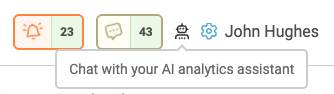
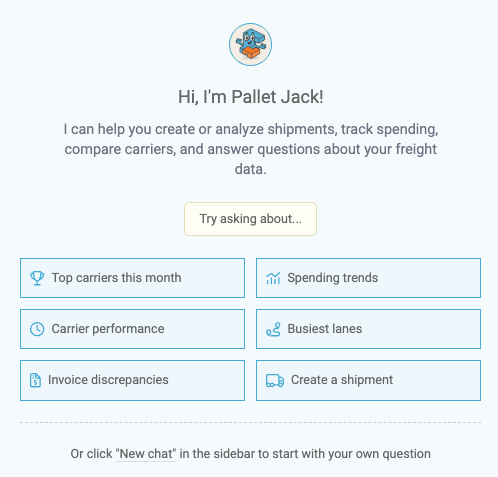
Pallet Jack is available to all users with access to the Analytics tab within Freightview. Once opened, you’ll see a set of preset questions to choose from, along with the option to ask your own custom question.
Preset Question Options
Pallet Jack comes ready with several common questions. Read more about Analytics FAQs Here.
- Top carriers this month
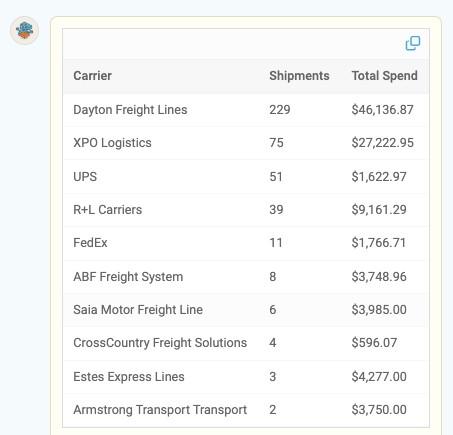
See your top carriers for the current month based on shipment volume. From there, you can ask follow-up questions—like ranking carriers by spend instead.
- Carrier performance
Review carrier on-time performance when tracking data is available, including how often pickups and deliveries occurred as expected at the time of quoting. - Invoice discrepancies
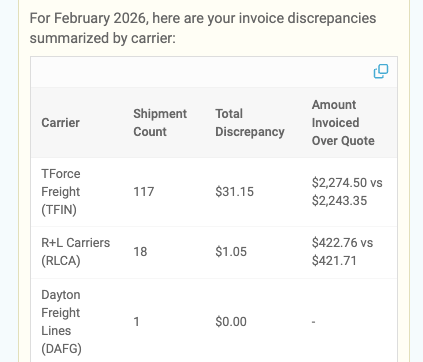
Using your data from the Audit tool, this option helps identify carriers whose invoices may not align with the original quoted amounts—giving you quicker visibility into potential issues.
- Spending trends
Analyzes your total freight spend over the last six months and highlights trends or notable changes in your shipping activity. - Busiest lanes
Identifies the lanes you ship most frequently based on ZIP-code pairs over the past 12 months. By default, Pallet Jack shows the top 10 lanes, but you can request more if needed. - Create a Shipment
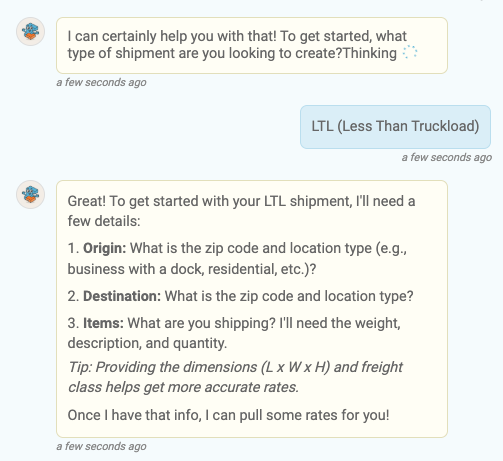
You can generate quotes and create shipments directly within the chat. Select the chat topic option and follow PJ's prompts to get your rates back quickly. From there, you’re on your way to booking!
What else can I ask Pallet Jack for help with?
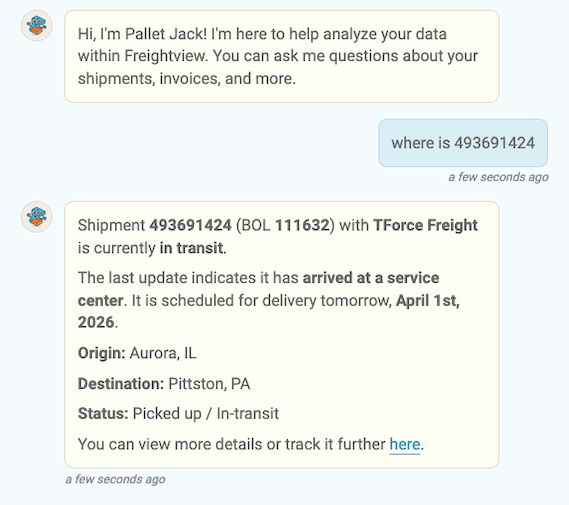
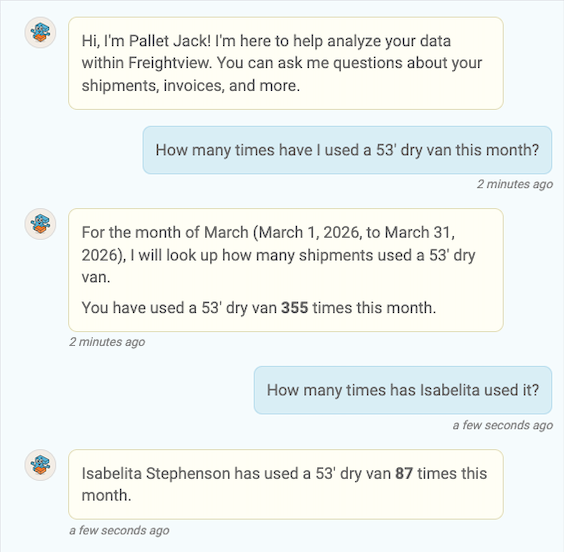
Pallet Jack can also help you track shipments and monitor account activity, while also tapping into our Knowledge Center to guide you to the right resources. Whether you’re trying to find a setting, understand a feature, or troubleshoot something quickly, PJ has you covered with answers—and helpful links—in seconds.
Share Your Insights
Any response can be copied using the copy icon, making it easy to share insights with your team.
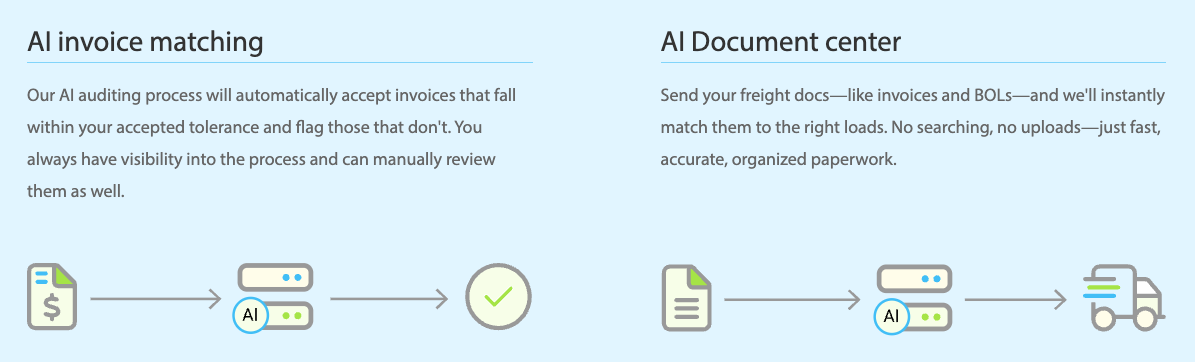
Pallet Jack is the latest addition to our suite of AI tools, teaming up with our Automated Invoice Matching & Document Center.
**A Quick Note on AI: Pallet Jack is smart, fast, and always learning—but it’s still AI. Insights are based on available data and patterns, so we recommend reviewing results before using them for final decision-making.
We hope Pallet Jack makes uncovering insights in your shipment data faster, easier, and more accessible. As always, if you have questions, feedback, or ideas for future enhancements, our Support Team would love to hear from you!