
Customer Dashboard
The new Freightview Dashboard is a smarter way to start your day!
We’re excited to introduce your all-in-one snapshot of shipment insights that matter most to you.
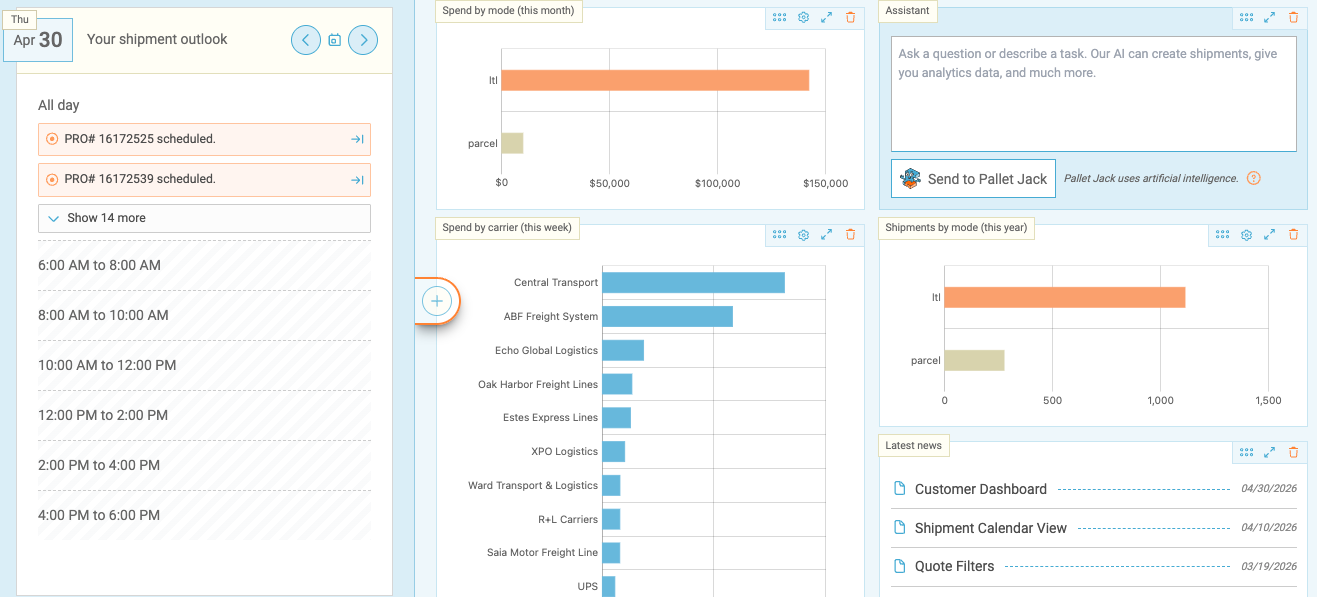
What You’ll See First
Your dashboard comes preloaded with a mix of graphs and tables designed to give you a quick pulse check on your shipping activity.
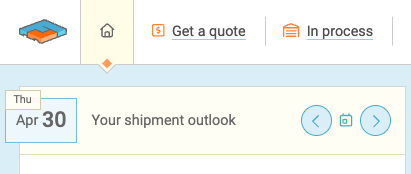
One thing to note: “Your Shipment Outlook” will always stay put, but everything else? Totally up to you.
Move Things Around
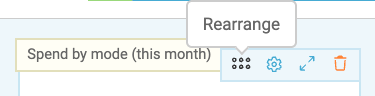
Want to rearrange your layout? Just grab the six-dot icon on any widget and drag it wherever you want. If your cursor changes, you’re doing it right.
Resize Your Widgets
Use the arrow icon to expand or shrink the graph/table. Most widgets can be resized, so you can prioritize what matters.
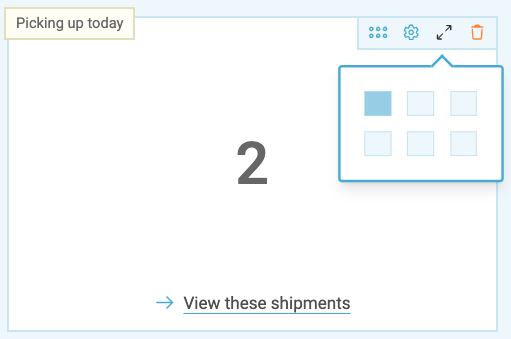
Customize Your Data
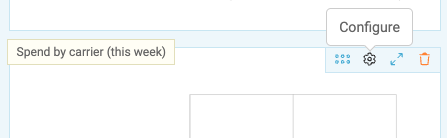
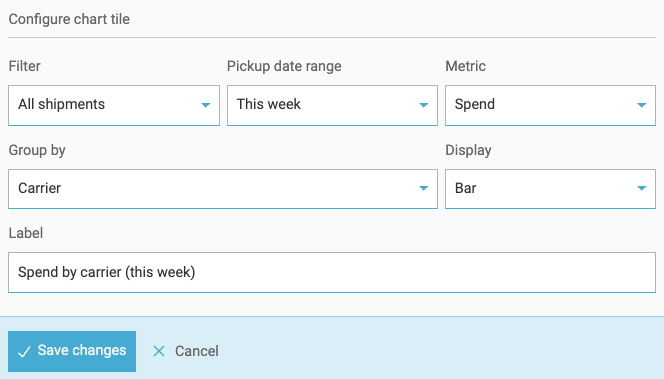
Need to tweak what you’re seeing? Click the gear icon on any widget to adjust:
- Timeframe
- Shipping mode
- Data display
Add More Widgets
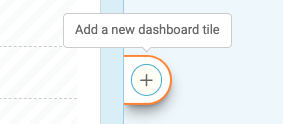
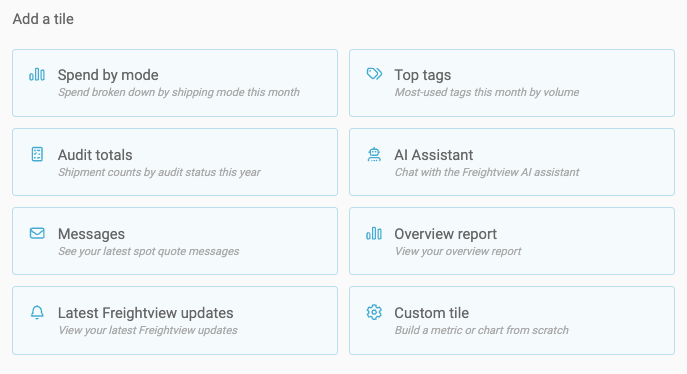
Feeling like something’s missing? Hit the “+” button to explore additional graphs and tables you can add to your dashboard. There are several options available.
A Quick Note on Permissions
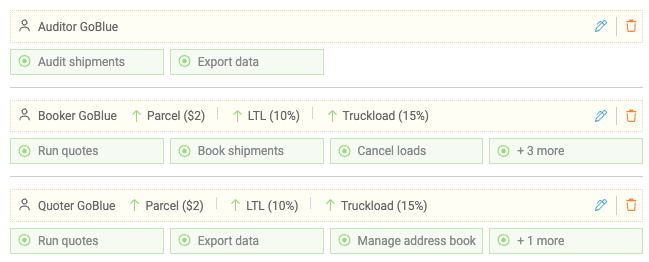
What you see depends on what you’re allowed to access. Check in with your account Admins to request adjustments to your dashboard capabilities.
- Full access users: All dashboard widgets.
- No Analytics access: “Messages” and “Latest News” only.
- No quoting/booking access: “Latest News” only.
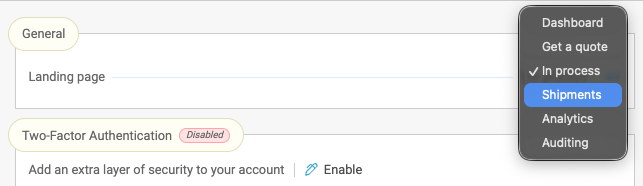
Want a Different Landing Page?
Not a dashboard person? No problem. You can change your default landing page at any time by heading to Settings → User Preferences.
This new Dashboard is designed to give you faster insights, better visibility, and more control over how you work in Freightview. Please contact our Support Team with any questions or feedback.