
Company Branding
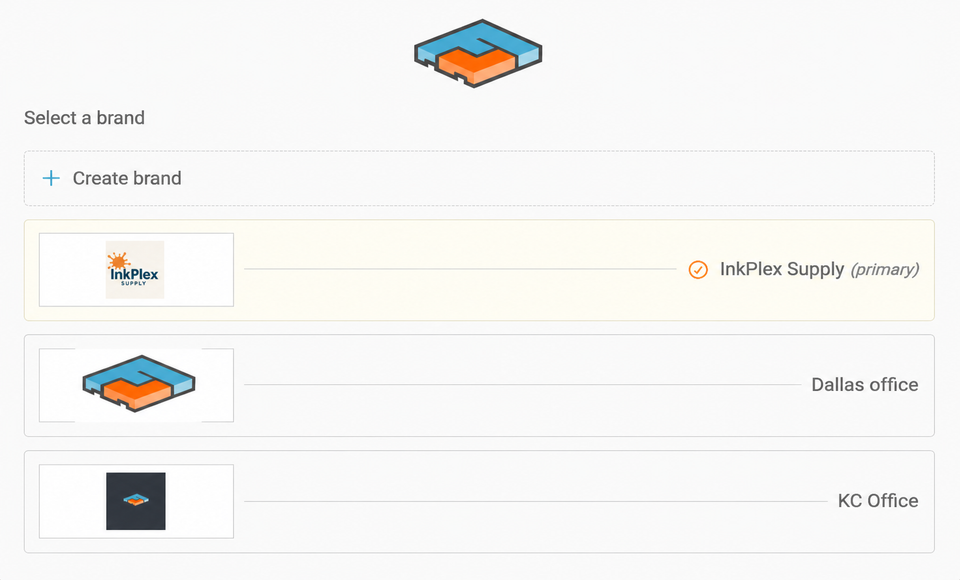
Customize our BOLs by adding your company logo or a toggle to a 3rd party option where needed.
To start
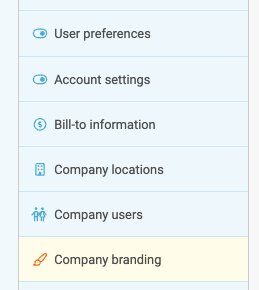
Go to the Settings page and select Company Branding.
Next
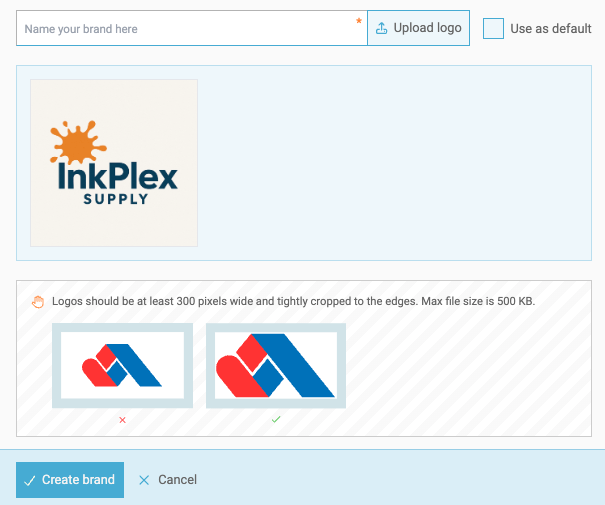
Select + Add a brand, upload the image file, and then Create.
Add Multiple Logos
Want to add DBA or Partner brands? No sweat. Click to add as many brands as you need. Whether it's a sister company, bill to, or other third party, this option helps the carrier highlight which company is responsible for the freight.
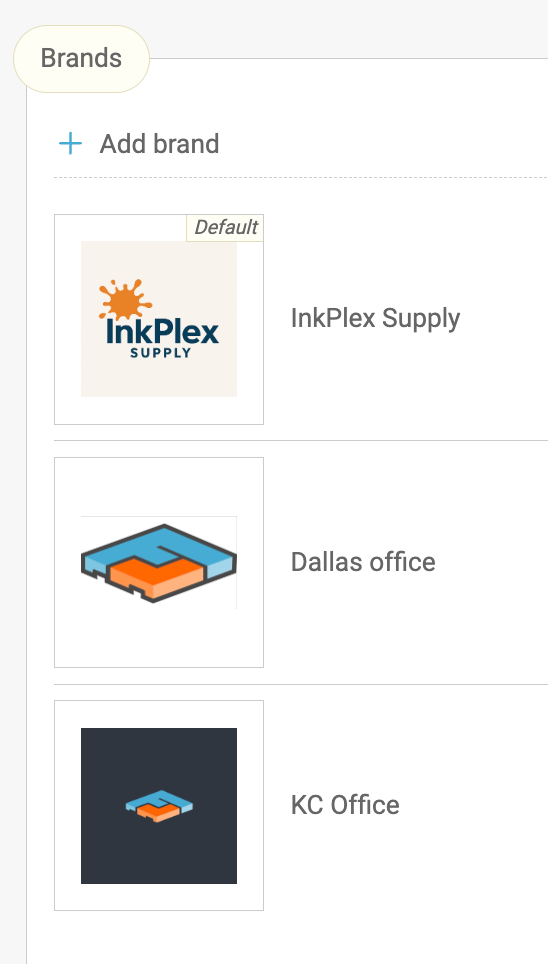
Toggle Options per shipment
Users can select which brand to use on the booking page.
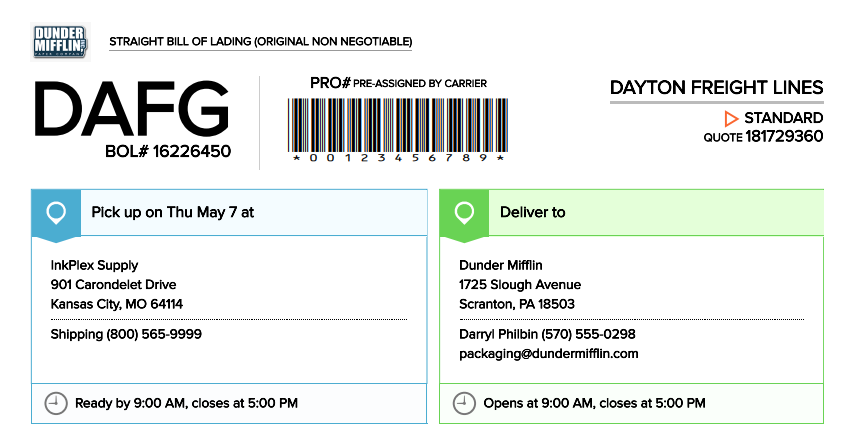
BOL example
Brands appear on the top left of any Freightview BOL.
Have questions or feedback for Company brands? Contact our Support Team.