Freightview Carrier
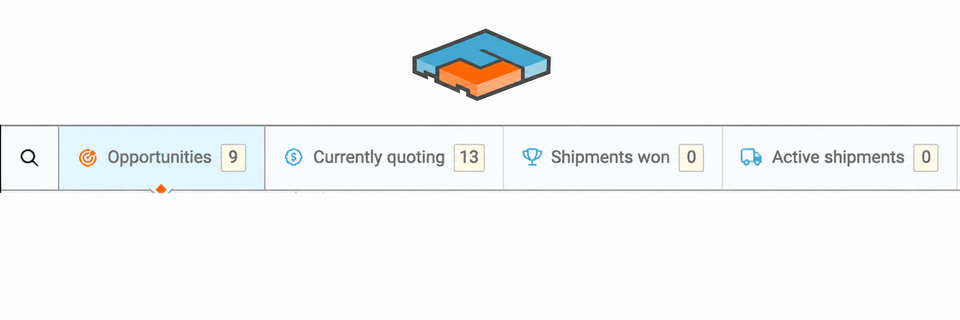
This free carrier dashboard allows partners to bid on and manage their shipper's Spot/Truckload freight within Freightview.
Access
Only your shipper can invite you to their carrier list, instructions for this can be found Here. Freightview's Carrier Portal allows carrier partners to bid and manage shipments from LTL to Spot/Volume to Full Truckload throughout the entire shipment life cycle. Freightview cannot solicit carriers or share our shipper's information.
This dashboard uses single sign-on technology. When a new carrier contact is added, an automated email will be sent from notifications@freightview.com with a verification code to register - no one else has access to the code or your dashboard. To save time, bookmark this page in your browser after registering.
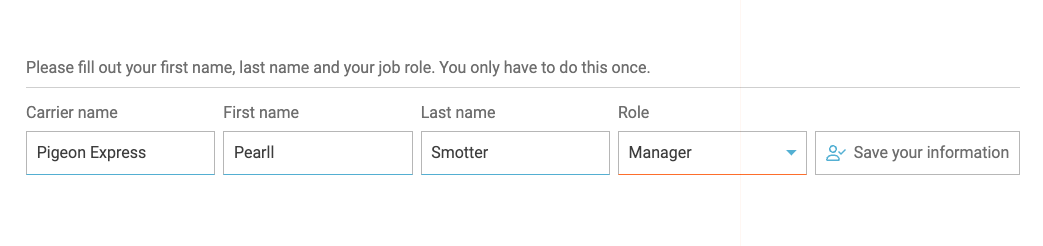
**Any changes to a carrier's email or eligibility is managed by the shipper directly, contact your customer for any access change requests.
Features
- Bid on quotes.
- View Target Rates, Expiration Dates & TWIC Requirements.
- Decline a shipment.
- Message directly with your shipper.
- Update tracking, rate cons, trailer, and seal #s.
- Manage and filter active shipments for multiple customers.
- Uploads docs, PDFs.
- Share loads with team members.
Ready for a Walkthrough?

Not all shipping processes are the same; be sure to contact your shipper to discuss how to best interact with their freight.
Opportunities
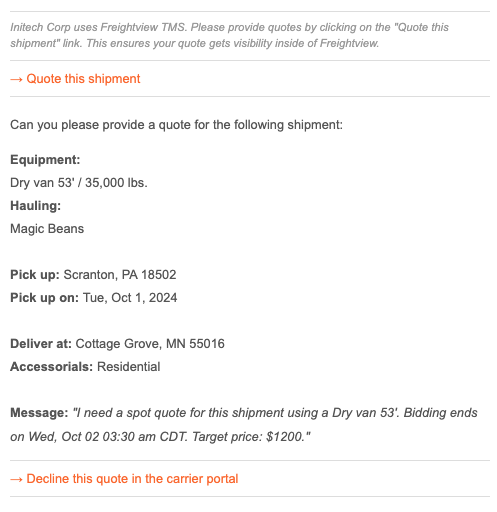
Each time a bid is requested, you'll receive an email - example below. Click the link within the email to enter a rate, quote #, or additional messaging as needed. (Not available for pricing? Select Decline).
Share or Decline
After clicking over to Freightview Carrier, you can easily, Share the load with another contact at your company, or Decline to bid.
Enter a bid & Message
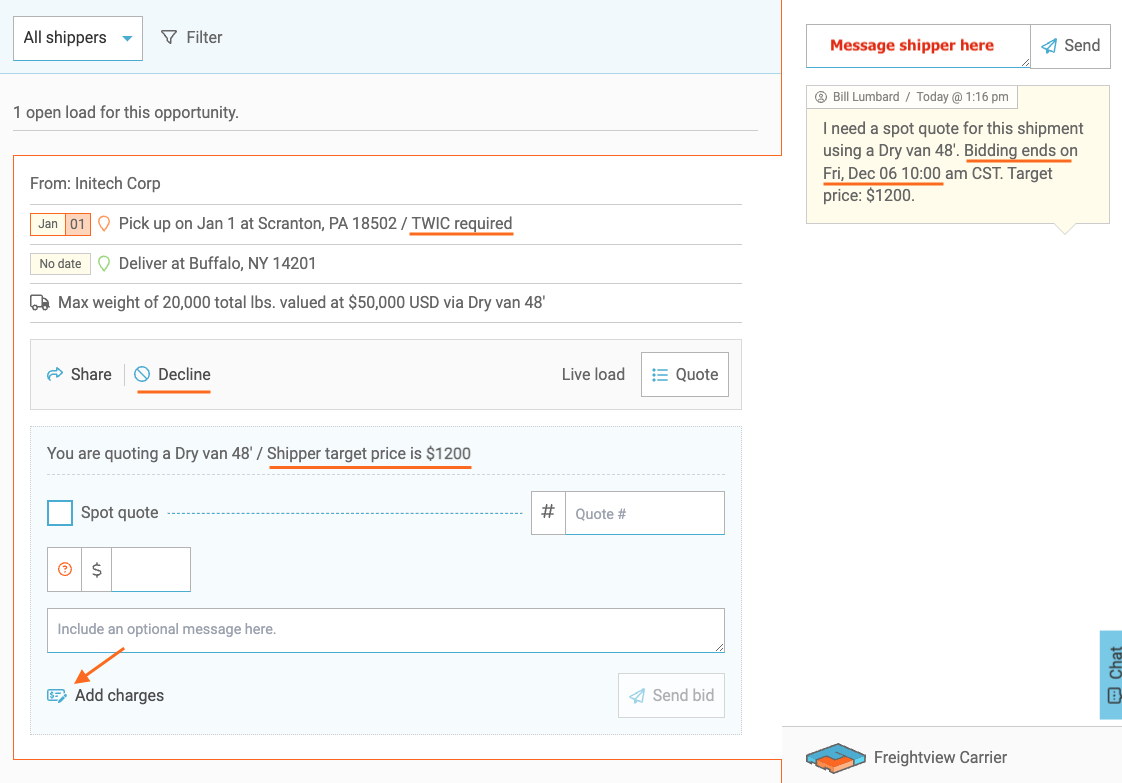
Fill out your rate response & select Send bid. Here you can see any expiration dates, target rates, TWIC requirements, and more. The Opportunity will then be moved under Currently Quoting. Remember to save time by messaging your customer directly in the slider!
Shipments Won
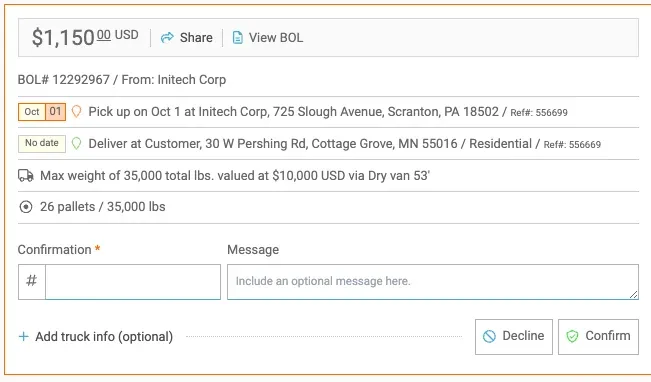
When a shipment is assigned to you, we'll ask you to confirm or decline it.
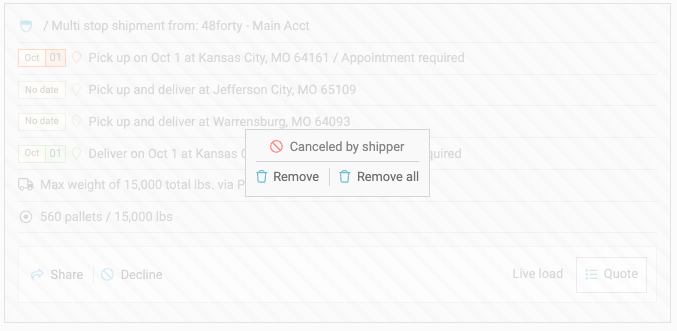
If the shipper cancels a shipment or awards it to another carrier, you can remove it here.
Active Shipments
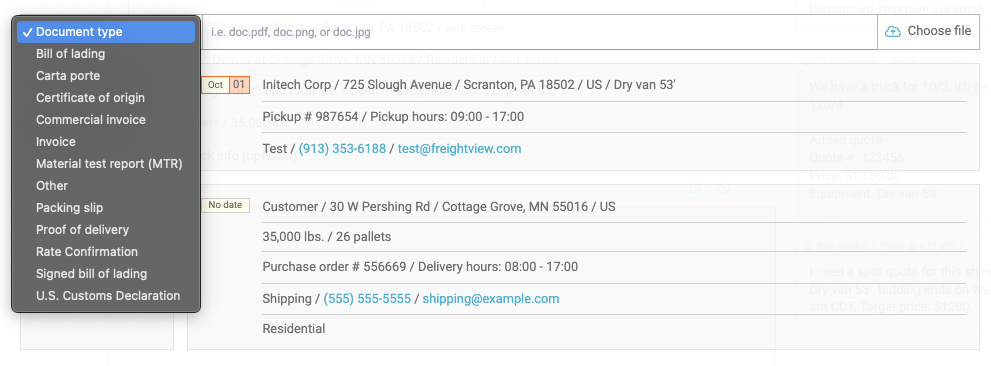
Add documents or make adjustments to loads as needed. Note that when an active or delivered shipment has its rates adjusted, we will notify your shipper in-app just like new messages.
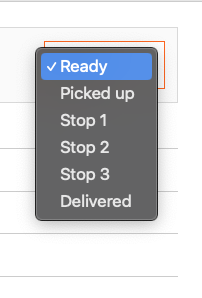
Tracking updates
Partners use this drop-down to manage tracking updates. These also create notifications for your shipper to see.
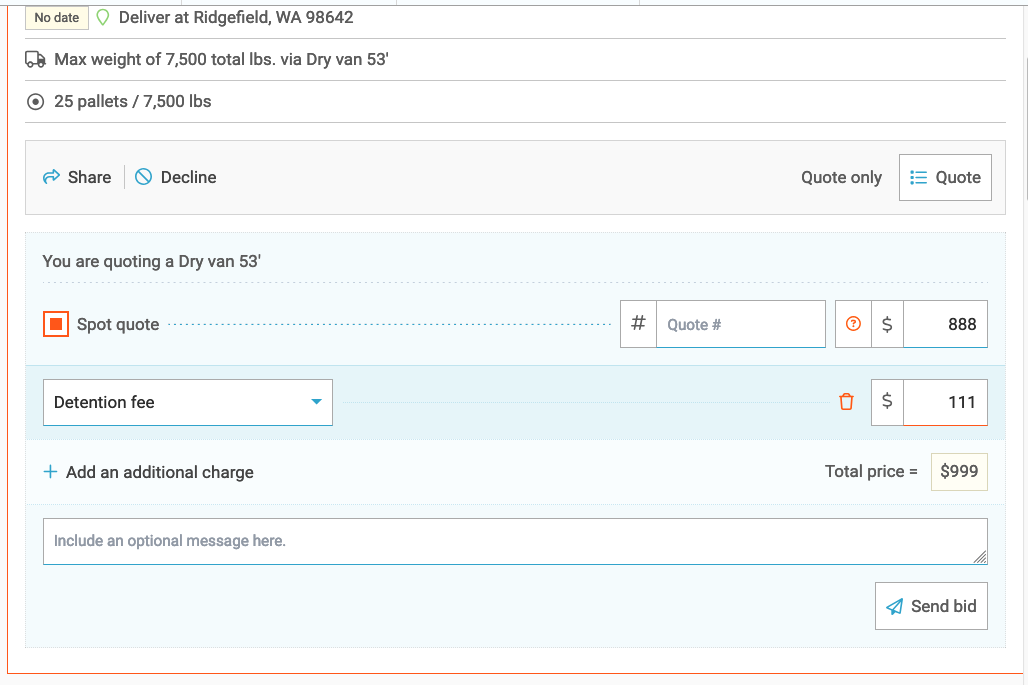
Itemized charges
Edit charges here, even after delivery, and upload invoices.
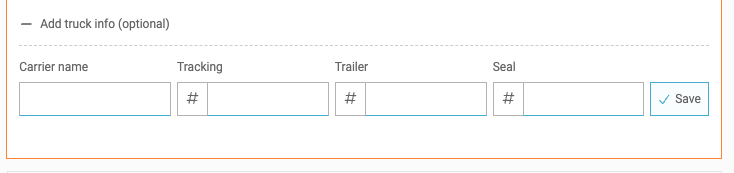
Detailed Carrier Info
Brokers can specify a subcontracted carrier's info:
At a Glance
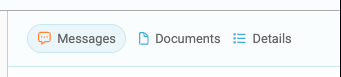
Click on any load to open the slider - from here you can quickly message, view docs, and see the shipment details.
Load Payment
Contact your shipper to set up the best payment process, whether that's uploading invoices into Freightview or sending them to their AP contact for processing. (Each shipper pays Freightview a monthly subscription fee for access to the software; all freight payments/discrepancies stay between the customer and the carrier.)
Would you like to speak with our Support Team? Contact us Here