Uploading Your Address Book to Freightview

Speed up your quoting & shipping processes by uploading a CSV file with your current address book. With so many options to fill in, you can specify equipment, contacts, and more!
Access the Address Book
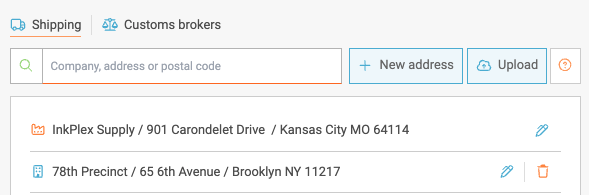
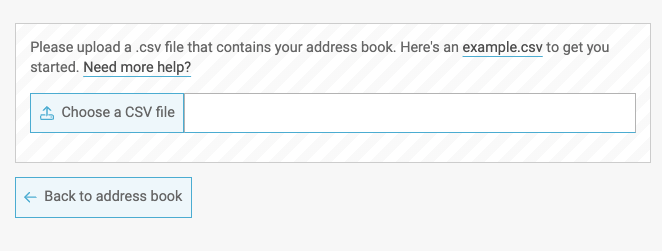
Click on Address Book from the Account Settings menu. To ensure your data is formatted correctly, you can download the example.csv file for reference. Once your CSV is ready, choose the file and select Upload.
Upload and Verify
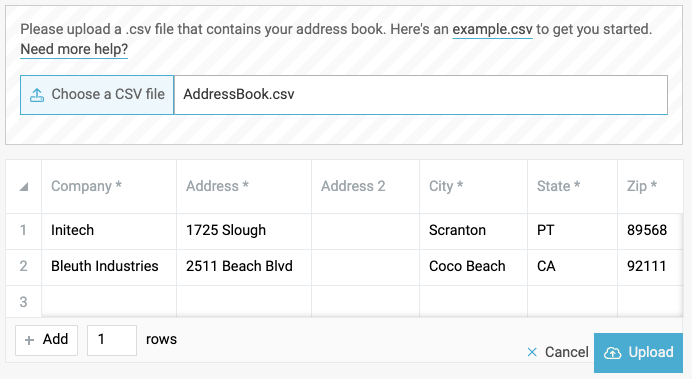
After selecting Upload, we'll offer a quick overview of the field mappings. Take a look to make sure the columns/data are synced as intended - then select Upload one last time.
Confirmation
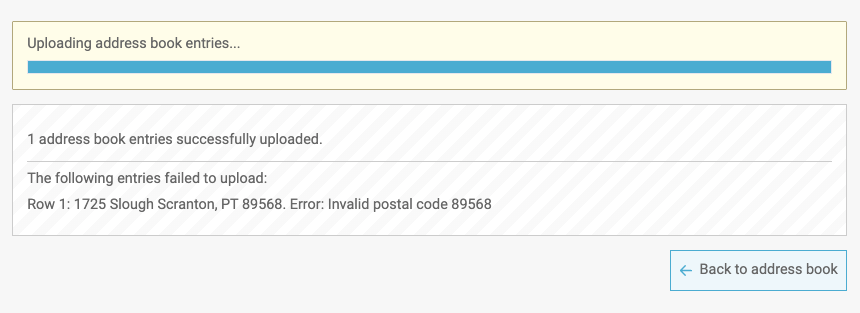
Once this is complete, you should see the following confirmation. If you run into issues, please contact our support team via Chat, Email, or Phone at 913-353-6188.