
Highlight: Default Label Settings
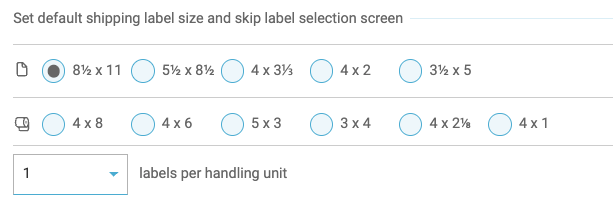
Freightview generates labels for you automatically when you book a shipment, however, you can also select default sizes for your team's LTL & TL orders.
Selecting Default Labels
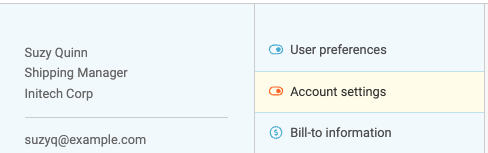
Start by clicking your name in the top right corner, and select Account Settings.
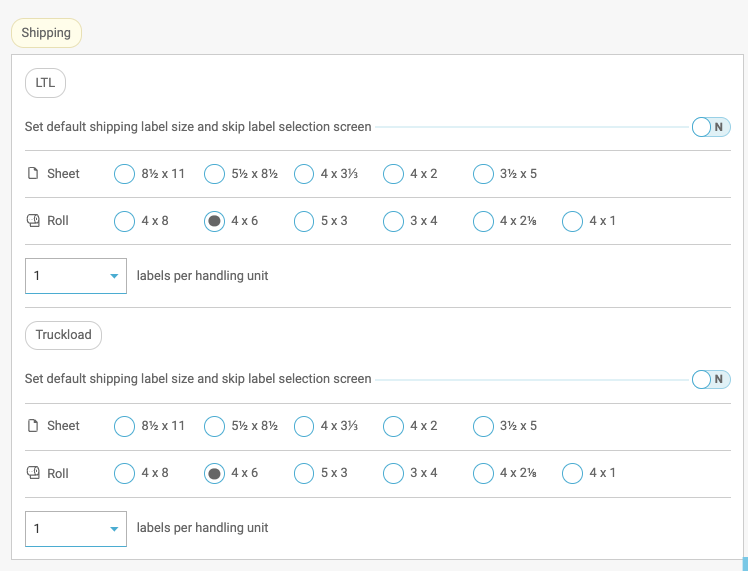
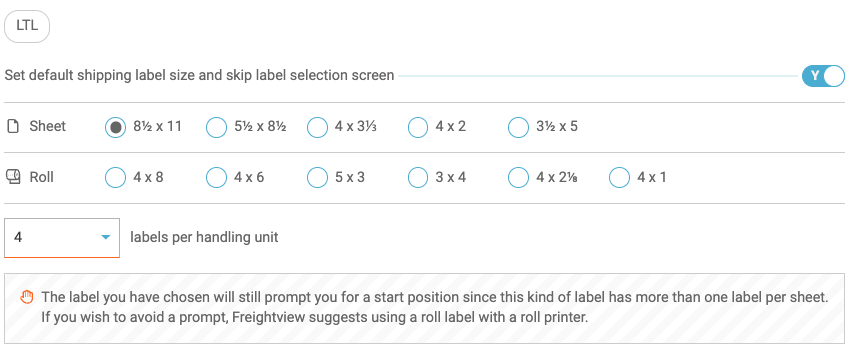
Scroll down to the Shipping section, you'll see label preset options for LTL & TL. Choose the size you’d like to default to as well as how many labels per handling unit you want to be produced
Printing Labels
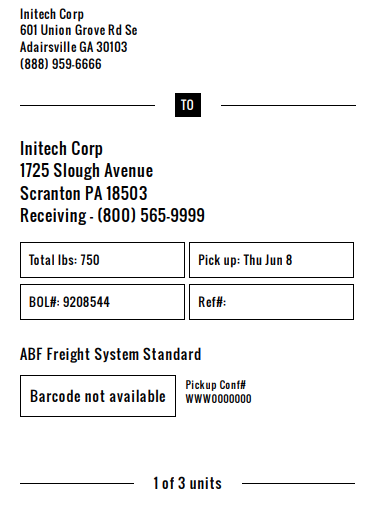
Moving forward, when you click Print labels on the shipment page, it will automatically open your labels page with your pre-selected preferences if your preferences are set to a roll.
Exception
If you choose your settings based on a sheet for any size other than 8.5 x 11 you will still have to choose a starting point on the page for your labels. These settings will also apply to all account users.
Questions? Contact our Support Team